
No products in the cart.
Quick-Setup Trade Show Booths: A Guide to Tool-Free Display Systems
A quick-setup trade show booth uses pre-engineered frames, connectors and fitted graphics to reduce the number of assembly steps. The strongest systems are not merely fast in a demonstration video; they are clearly labeled, safely packed, repeatable after multiple events and supported by replacement parts.
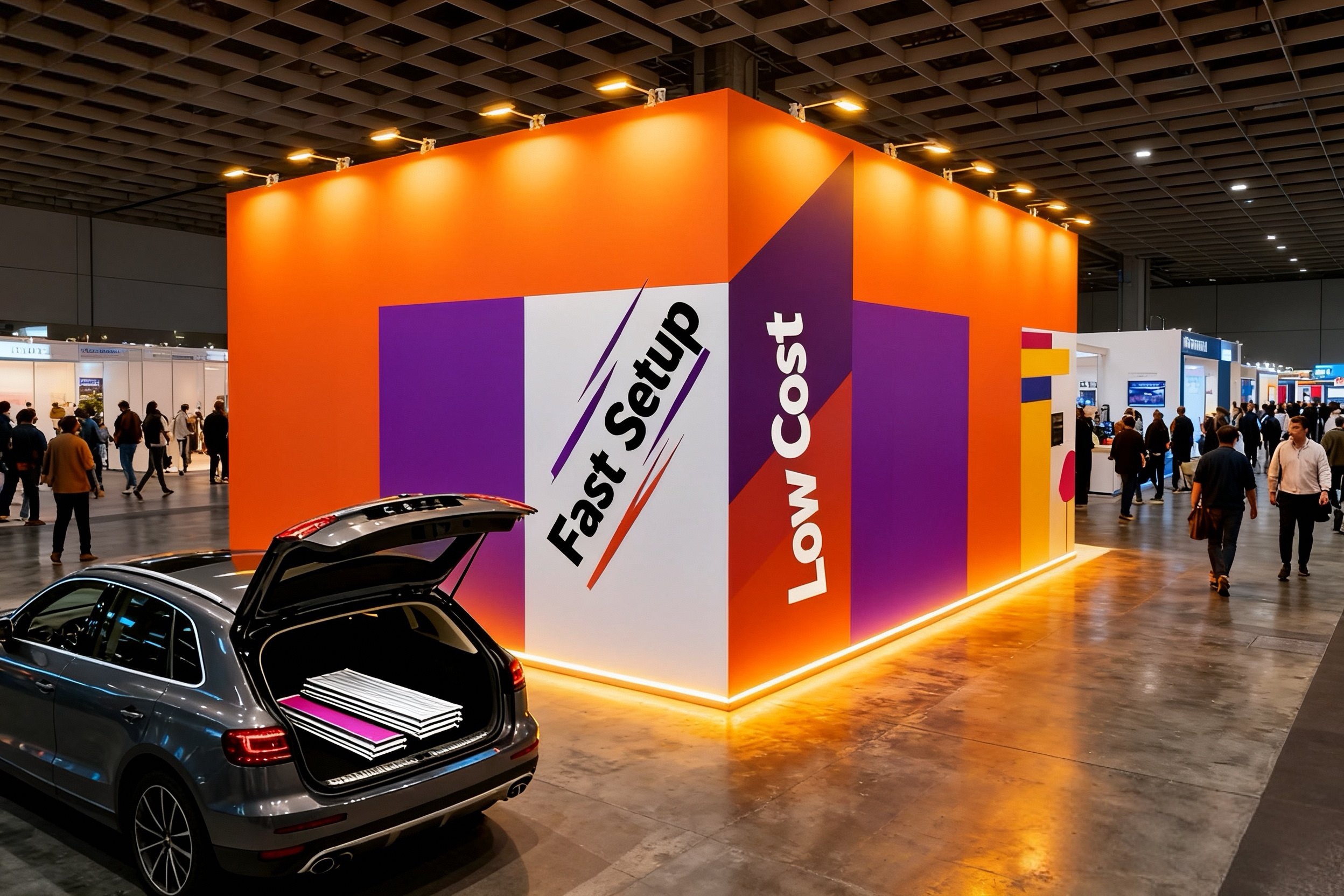
Common quick-setup systems
Pop-up frames expand into shape and often accept attached or magnetic graphics. Tubular tension-fabric frames use numbered sections and push-button connections. Modular aluminum systems use compatible profiles and locking connectors. Portable lightboxes may use sectional frames and fitted SEG graphics.
Each type offers a different balance of speed, packed size, graphic finish and configuration flexibility. Ask to see the exact system proposed for your booth size.
How to verify a setup-time claim
A time estimate should state the configuration, crew size, starting condition and whether graphics, lighting and accessories are included. “Ten-minute setup” is not meaningful if it covers only an empty frame.
Request a full assembly video and written instructions. Then perform a trial build with the people who will attend the event. Record installation and dismantling separately, and update labels or packing order when confusion appears.
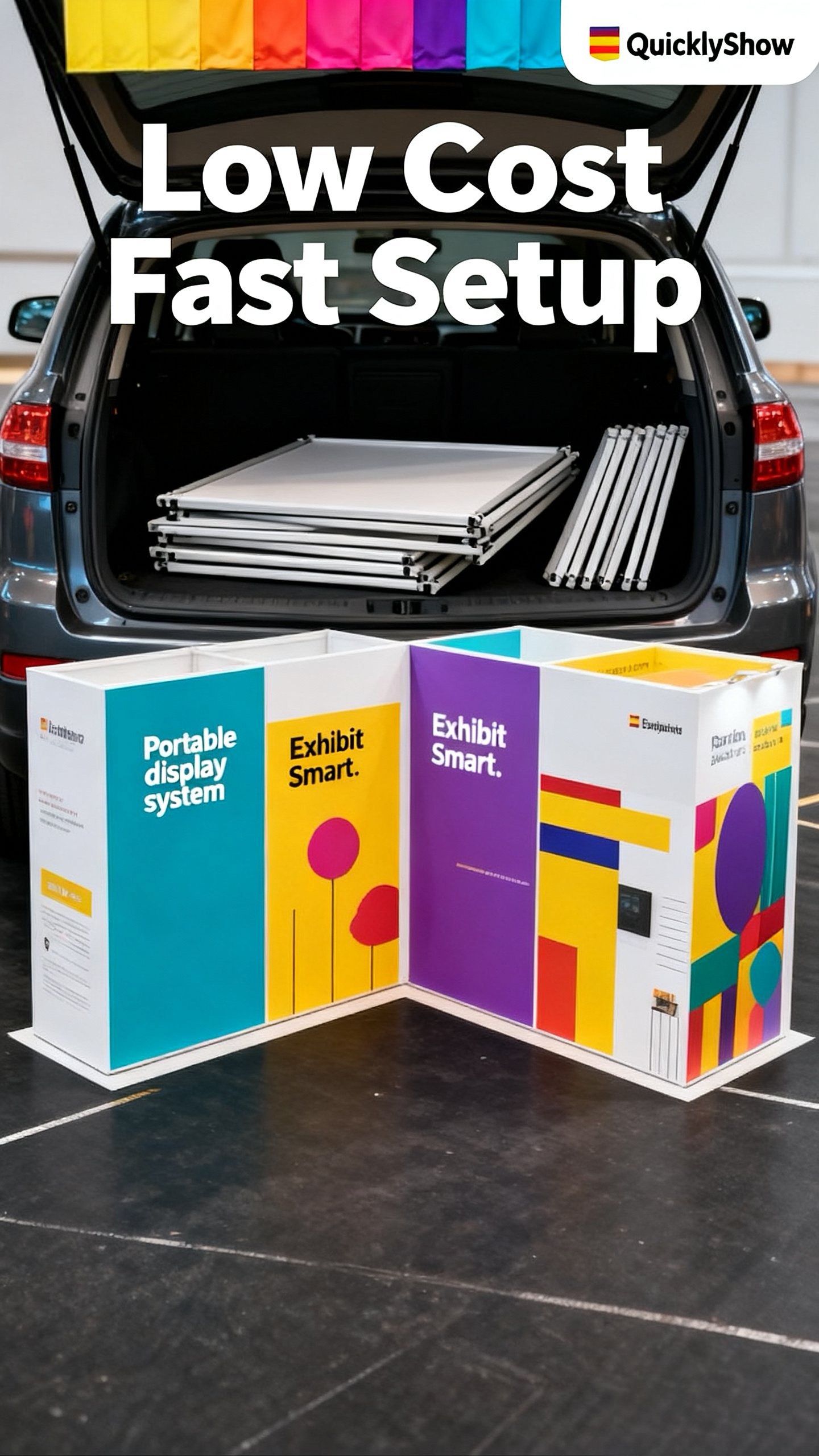
Features that improve setup
- A small number of unique frame sections
- Positive-locking connectors
- Labels matching the assembly diagram
- Graphics that fit without excessive force
- Integrated cable paths
- Cases packed in installation order
- A dedicated spare-parts container
- Instructions available offline
Venue rules still apply
Tool-free does not mean unrestricted. Electrical work, rigging, material handling and some installation tasks may be controlled by the venue or official contractor. Review the event manual and clarify what exhibitors may perform themselves.
Large walls and lightboxes may require two people even when no tools are needed. Follow safe lifting guidance and never reduce crew size below the manufacturer’s recommendation simply to meet a marketing claim.
QuicklyShow’s booth assembly guide explains a typical modular aluminum and tension-fabric workflow. A tool-free modular booth example shows how reusable components can form a larger display.
Typical QuicklyShow setup time
QuicklyShow displays connect in sequence using identification marks on the components and require no additional tools. An experienced installer can assemble one display backwall in about 30 minutes, while a simple complete booth can be installed in approximately two hours. Actual time varies with booth size, accessories, crew experience and venue conditions. QuicklyShow also provides installation videos and remote guidance when support is needed.
Real US customer order: two-person pre-shipment test
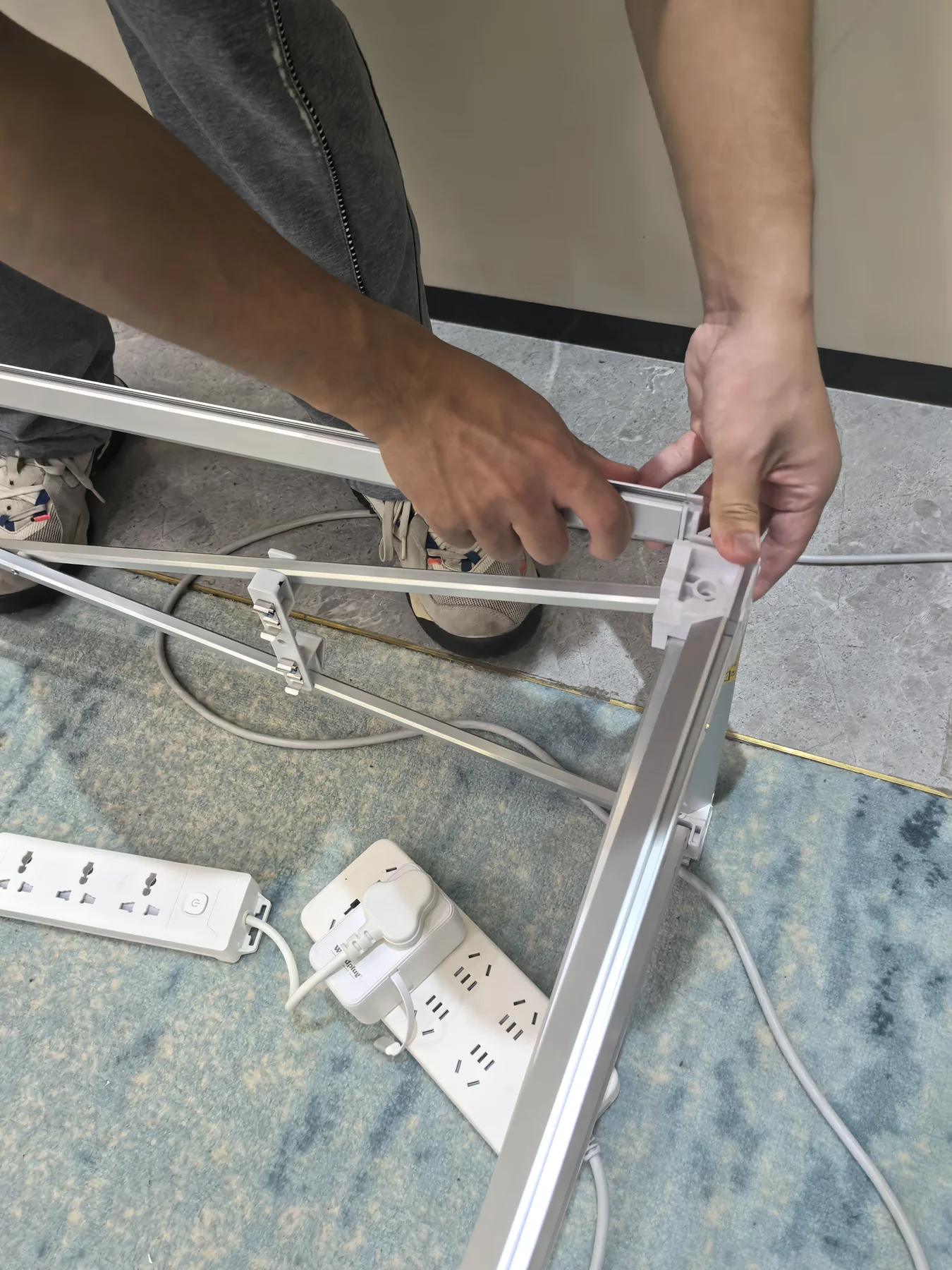
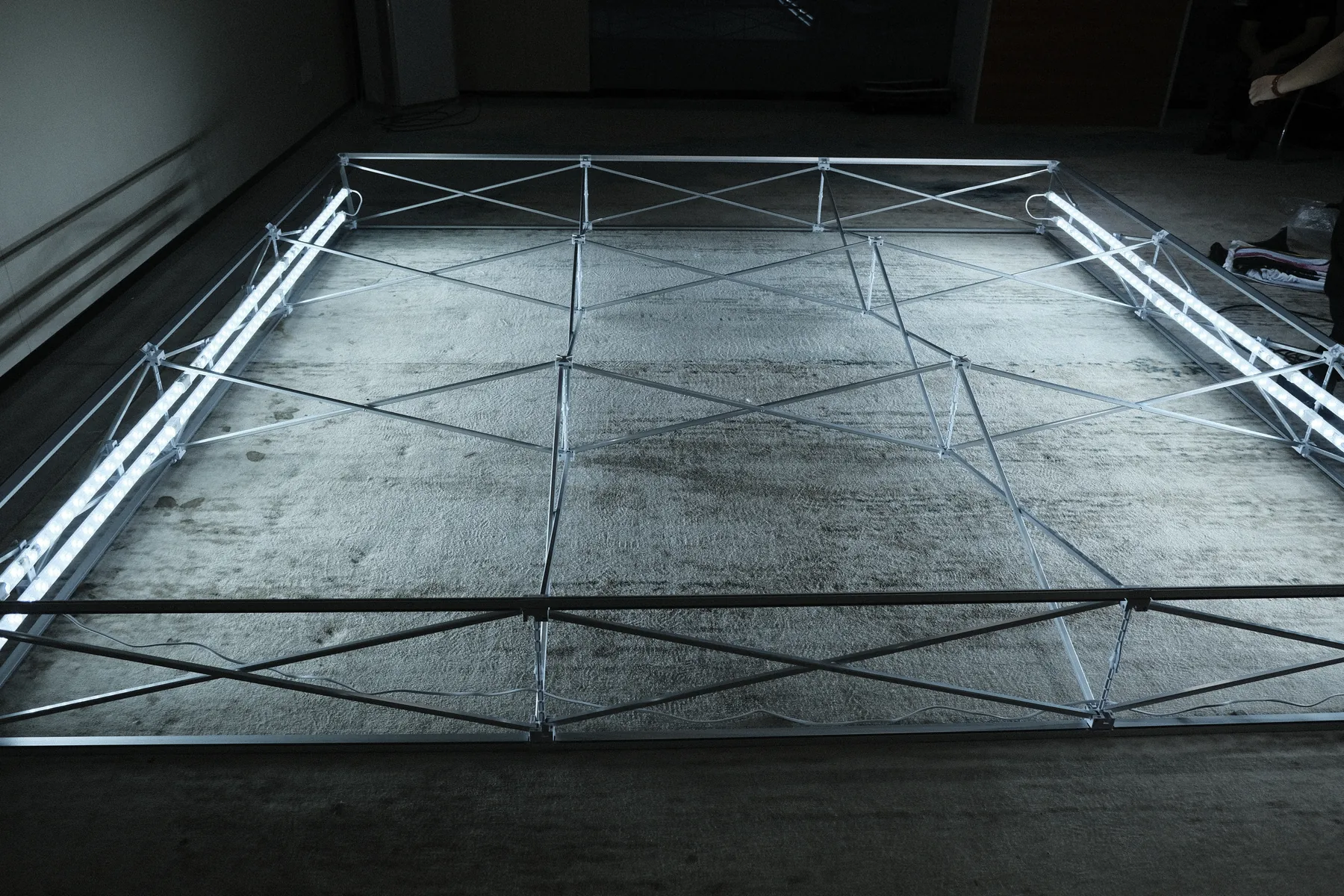
For a US customer’s 3 m pop-up lightbox order, two QuicklyShow team members completed the test installation in approximately 30 minutes. The pre-shipment check covered the collapsible aluminum frame, connection points and LED lighting. The team photographed and recorded the assembled product so the customer could confirm the order before packing and dispatch.
Frequently asked questions
Can one person build a quick-setup booth?
Some compact displays may be manageable by one trained person. Larger systems require additional people for safe handling and alignment.
Are quick-setup booths reusable?
Quality systems generally are. Inspect connectors, graphics, cables and cases after every event.
Do graphics remain attached during transport?
Some pop-up systems permit this, while others require removal. Follow the system-specific packing instructions.
Request a realistic setup plan
Send QuicklyShow the footprint, available crew and setup restrictions through the contact page and request a documented assembly estimate.
