
No products in the cart.
How to Design a Trade Show Backdrop That Gives Visitors a Reason to Stop
A trade show backdrop should give a relevant visitor enough information to decide whether to engage. Start with the visitor's reason for attending and connect it to an action available in the booth: inspect a product, compare a sample or speak with someone about a specific need.
Good trade show backdrop design is a relationship between message, physical placement and activity. A compelling headline cannot compensate for an offer that is unclear or a demonstration that visitors cannot reach.
Write the offer before arranging the graphics
Describe the booth's offer in one plain sentence. Identify the audience, the thing being offered and the useful outcome or task. Avoid claiming an outcome the business cannot substantiate.
For a portable display business, “Explore booth configurations for your next event” describes an available activity. A claim such as “Double your leads instantly” would need evidence and suitable conditions. Choose language the team can explain and deliver at the booth.
Match the image to the question
Choose an image that helps the visitor recognize the product or application. If the article or display discusses transport, show an accurate packing configuration. If it discusses layout, show a relevant space or diagram.
Label concept renderings appropriately when they could otherwise be mistaken for completed customer projects. Do not use a picture to establish dimensions, installation time or included equipment that have not been verified.
For a fabric backdrop display, test whether the intended image survives panel joins, cropping and the final viewing distance. The image selection and physical template should be reviewed together.
Build an information sequence
Give the display a clear order: identify the offer, provide a useful reason to engage and show the next action. Supporting information can move to a nearby product label, screen or handout.
Use hierarchy rather than giving every element equal size. Review the design briefly from the planned approach position, then ask an unfamiliar person what they understood. If their answer is unrelated to the offer, revise the hierarchy or wording.
Review the occupied elevation
Add the counter, screen and sample positions to the graphic elevation. Draw people where they will stand. Look for logos hidden behind heads, calls to action covered by products and detailed text that requires someone to lean around a fixture.
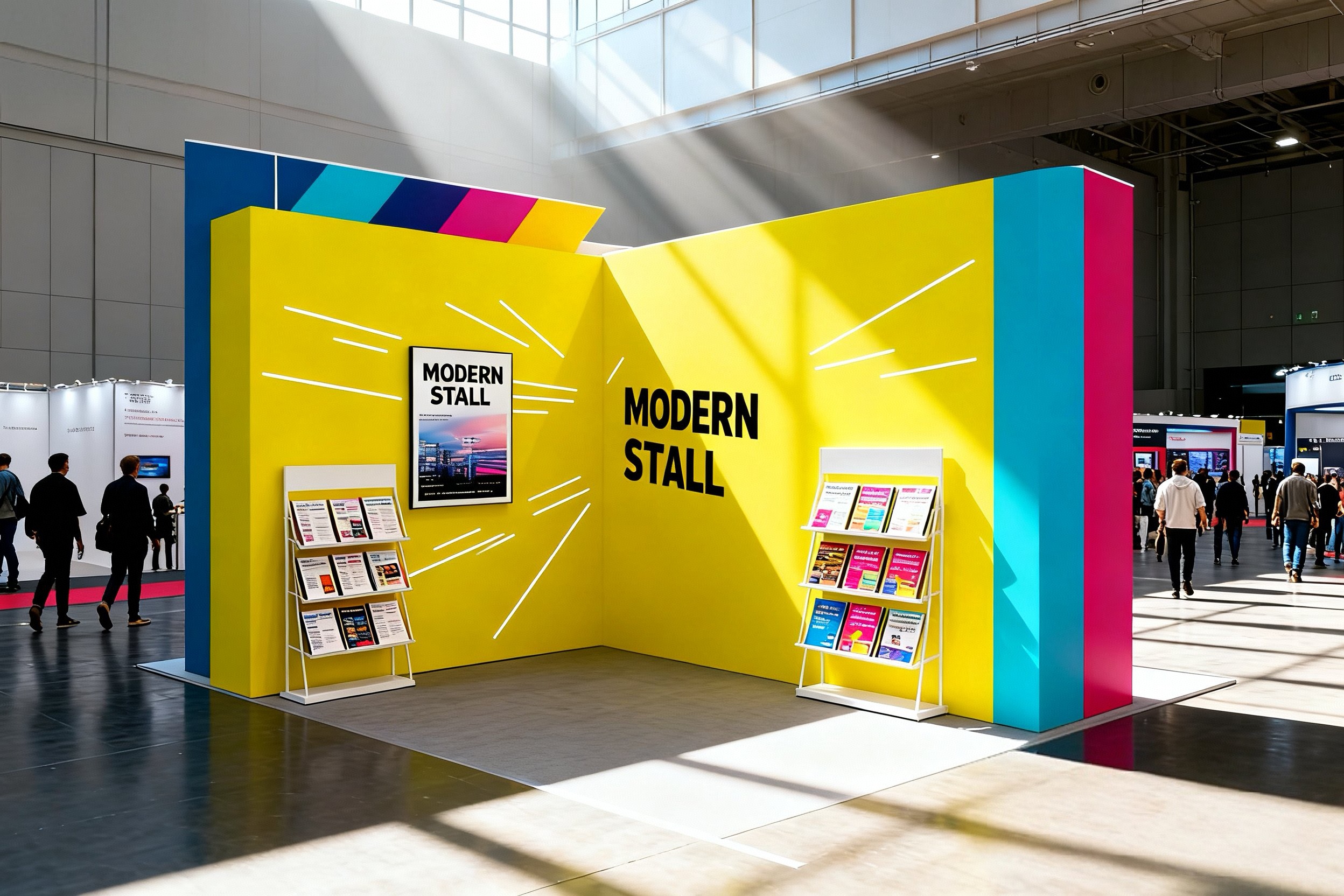
For a corner position, check both approaches. A graphic designed for a single front view may leave the side approach without a useful message. For a consultation layout, make sure the backdrop still communicates while a meeting is underway.
Use a mock-up to test the visitor action
| Review question | What to test |
|---|---|
| Is the offer recognizable? | Ask someone unfamiliar with the project to describe it |
| Is the message visible? | Review from the intended approach with furniture present |
| Is the action clear? | Ask the reviewer where they would go next |
| Can the action happen? | Rehearse with staff, samples and equipment |
| Does the artwork fit? | Check the selected production template and panel positions |
Record the response rather than relying only on whether reviewers like the colors. A visually attractive backdrop can still leave the visitor uncertain about what to do.
Prepare the production handoff
Confirm artwork dimensions, finishing, image suitability and the proofing process with the printer. If a seamless fabric backdrop is required, ask what that means for the selected dimensions and material rather than assuming a product label guarantees no joins.
Retain the approved proof and panel map with the final artwork. For later campaigns, update the whole message sequence and check that the new graphic remains compatible with the existing structure.
Evaluate the design after the event
Ask staff what visitors understood and where explanations repeatedly began. Record questions that suggest a mismatch between the graphic and the offer. Note any surfaces that became obstructed during normal operation.
Use those observations to revise the next graphic. Visitor engagement has many causes, so avoid attributing an event's entire result to a backdrop change alone.
Frequently asked questions
How many messages should a backdrop carry? Establish one primary offer, then add supporting detail where it can be used comfortably.
Should I include a QR code? Use one when it supports a useful action, and test the printed code and destination.
Can a rendering be used in the graphic? Yes, when its presentation accurately reflects what it represents and does not imply an unverified completed project.
Share your offer, booth layout and artwork with QuicklyShow to discuss a custom trade show booth design and suitable backdrop format.
