
No products in the cart.
Pop Up Display vs Modular Booth: Which Should You Choose?
Choose a pop up trade show display when its complete configuration meets a repeatable presentation need. Consider a modular booth when changes in layout, accessories or footprint are important enough to justify managing a wider set of components.
The comparison is not simply “fast versus flexible.” Product labels overlap, and individual systems differ. Before comparing a pop up display vs modular booth, ask each supplier to identify the frame mechanism, compatible accessories and exact configurations included in the quotation.
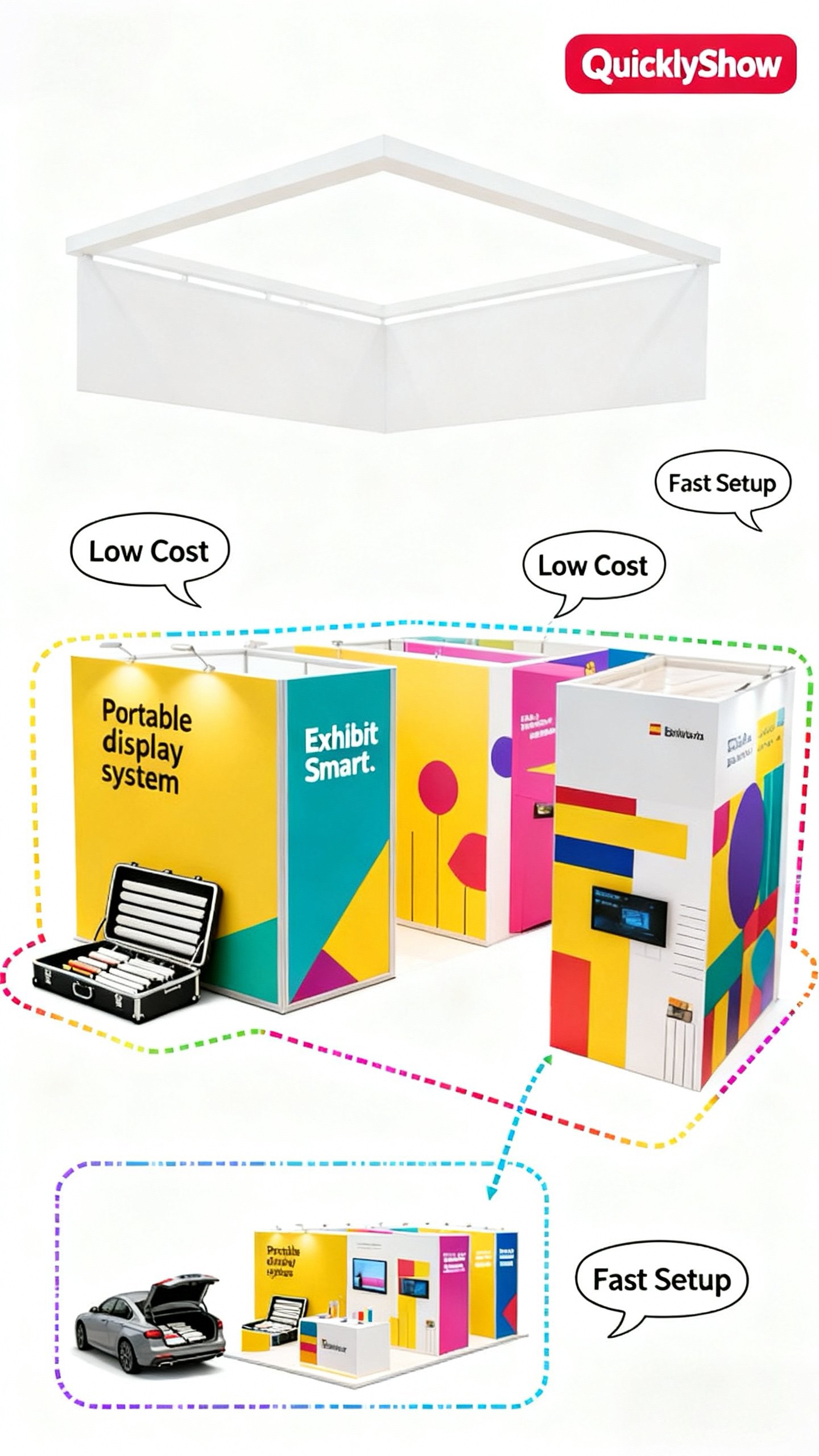
Describe the change you expect to make
List your planned events and draw the required arrangement for each one. Note changes in booth width, open sides, products, screens and meeting needs. Separate confirmed requirements from possible future expansion.
If the main change is artwork, a replaceable graphic may meet the need without changing the structure. If the frame must turn a corner, support a different wall arrangement or accept additional equipment, you need more specific compatibility information.
This distinction prevents buying an expanded system merely because future flexibility sounds attractive.
Compare the complete setup sequence
Ask for a demonstration beginning with closed cases. Expanding a frame is only one step. Bases, graphic attachment, lighting, accessories and positioning all contribute to the time needed to make the exhibit usable.
For a folding trade show booth, ask which parts remain connected during packing. For a quick setup modular booth, ask how loose components are identified and whether the layout requires different connectors. Keep the comparison at the level of the complete exhibit.
Also observe dismantling. A system that goes up smoothly may need a more deliberate packing sequence to protect its graphics or prevent hardware rubbing together.
Check what modularity actually permits
A modular trade show booth supplier should be able to provide a configuration-specific component list. Ask which frames, bases and connectors are reused, which parts are added and which graphic panels must change.
Do not assume every panel can be connected in every direction. Stability, accessory loads and support requirements depend on the system. Request the supplier's approved arrangement rather than improvising a connection because two parts appear to fit.
Where screens or shelving are essential, include their dimensions and loaded weights in the brief. An accessory pictured in a larger system is not proof that it is suitable for every smaller arrangement.
Compare inventory and replacement needs
The exhibit is easier to manage when every component has an identifier. Ask for a packing inventory that connects the case contents to the assembly drawing. Keep a record of consumable or easily misplaced parts.
For replacement graphics, retain frame model, panel position, finished graphic specification and artwork version. A panel labeled only “left wall” can become ambiguous when the same hardware is used in two different configurations.
Use an event-calendar comparison
| Situation | Question to prioritize |
|---|---|
| Same presentation at repeated events | Can the whole kit be reproduced reliably? |
| Different booth footprints | Which verified configurations share components? |
| Frequently changing campaigns | How are graphics replaced and identified? |
| Small traveling team | Can the loaded cases and assembly tasks be handled? |
| Screens or product shelves | What approved supports and limits apply? |
Score the proposed systems against these questions, then compare the cost of the configurations you will actually use. Include additional graphics, cases and accessories. A lower first quotation may not include the later arrangement that motivated the purchase.
Rehearse the most difficult arrangement
Do not test only the smallest layout. Assemble the configuration with the greatest number of connections, accessories or graphic changes. Record the parts and tasks that cause delays.
If the team can reproduce that setup and repack it correctly, you have a better basis for evaluating the purchase. If not, simplify the design or revise the staffing plan before the event.
Frequently asked questions
Is every pop up display tool-free? Check the exact frame and accessories. The product name does not establish every assembly step.
Is a modular booth always expandable? Only within its verified configurations and available components.
Can existing graphics transfer to a new layout? Some may, but panel dimensions and artwork orientation must be checked.
Ask QuicklyShow to compare the parts, graphics and cases required across your planned layouts.
